Jigging for Pokémon Center: postcode jigs and redirects
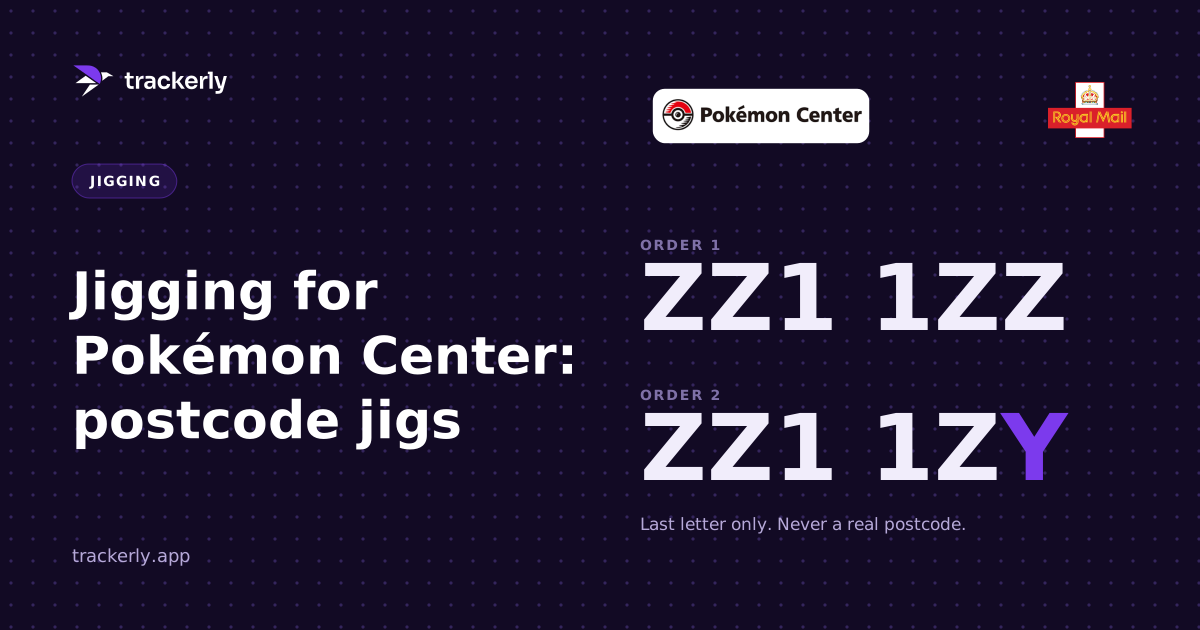
Pokémon Center UK is a shop where you can get away with a postcode jig. You change the last letters of your postcode to ones close by, so it reads like the next street over, but you pick a postcode that is not an actual street. Royal Mail delivers these best. Everything else about jigging still applies, and once the courier has a parcel you can redirect it.
What a postcode jig is
Most of the time the postcode is one of the two things you never touch. Our address jigging guide explains why: it is what the post is sorted on.
A postcode jig bends that rule a little. The first half of your postcode stays as it is, and only the last letter or two change, to letters near yours. ZZ1 1ZZ might become ZZ1 1ZY. To the shop that is a different address. Your house number stays exactly as it is, and the street is still your street.
The one check that matters: the new postcode must not be a real one. A postcode that belongs to an actual street can send your parcel down it. Put yours into Royal Mail's postcode finder before you use it, and if it comes back with addresses, pick different letters.
Why Royal Mail
Royal Mail is the best courier for postcode jigs. Pokémon Center UK sends with both Royal Mail and DPD, though, and you only find out which when it ships, so keep an eye on the ones that go with DPD.
Keep the billing address real
The jig goes on the delivery address only. Billing stays exactly as your bank has it: the card's address check reads the postcode, and a jigged one there can get the payment declined.
When you can redirect a parcel
Not from the moment it ships. The option turns up once the courier actually has the parcel.
- Royal Mail: usually the morning it is due, when Royal Mail emails to say it is on its way. You can pick a neighbour, a Safeplace, your local Post Office or Delivery Office, or another day.
- DPD: from DPD's own email or text until the parcel is delivered. You can pick a Pickup shop or locker, a neighbour, a safe place or another day.
Royal Mail will not send a parcel to a completely different address. Every option, and how to set a Safeplace once for every parcel, is in how to redirect a Royal Mail or DPD parcel.
Setting it up in Trackerly
Jig & Profiles never changes a postcode itself, so the postcode jig is the one you type in. In Jig & Profiles:
- Under Addresses, save your address a second time with the jigged postcode, in its own folder so it never mixes with your real one.
- Under Cards, switch on This card is registered to a different address on each card you will use, and fill in the real address your bank has.
- In Generate, switch on only that folder, then switch off Billing same as shipping. Every profile then delivers to the jigged postcode and bills each card's real address.
- Pick your Harshness and spelling options as usual, and open Preview to check every profile before you press Generate.
Then export straight into your bot's own format.
Once the orders are in
Connect your inbox and Pokémon Center's pre-order emails land in Pre-Orders on their own, even before there is a price. When an email gives an estimated arrival date, it fills in the expected delivery date for you. If Pokémon Center needs the payment on a pre-order updated, it shows in the Inbox under Action required, so you can sort it on Pokémon Center's own site.
Every parcel you are tracking sits on one Tracking page, and a Royal Mail parcel gets a Change delivery button as soon as Royal Mail has it.
Start your 7-day free trial and keep every Pokémon Center order, pre-order and parcel in one place.
Track every order, fee and flip in one place.
Trackerly is a desktop app for resellers, and your data stays on your machine. 7 days free, then £14.99 a month.
Start free trial