How to redirect a Royal Mail or DPD parcel, and when you can
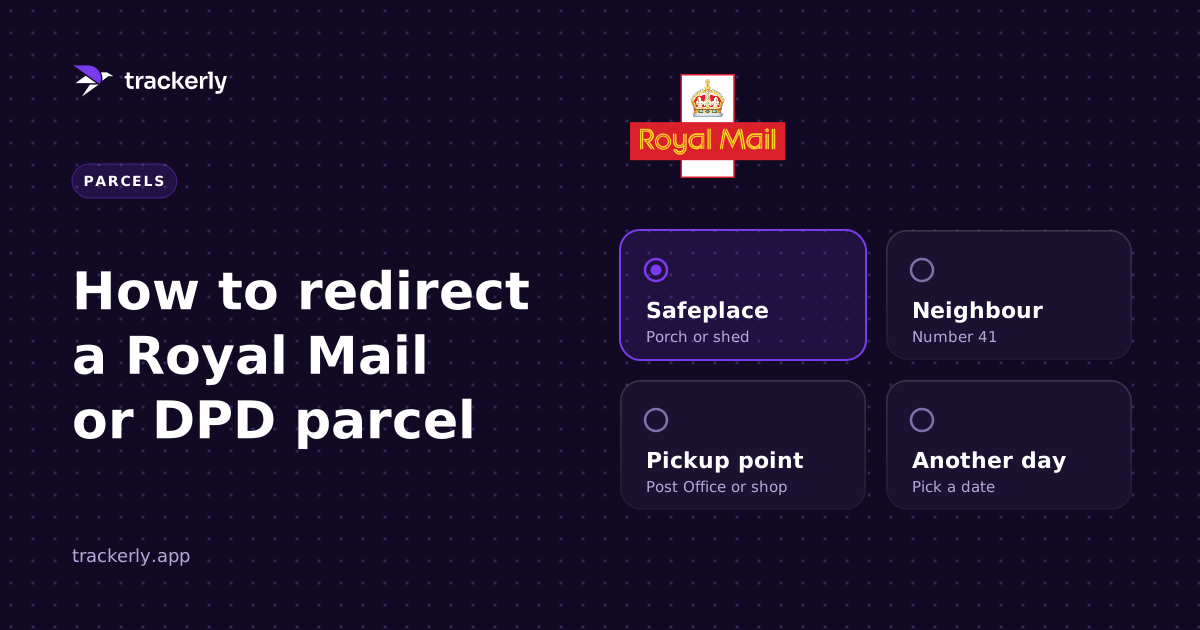
You can redirect a Royal Mail parcel once Royal Mail has it in its network, which is usually the day it is due, from the link in Royal Mail's own email or from its tracking page. DPD works the same way: the options appear in DPD's delivery notification once the parcel is with them. Before the courier has it, there is nothing to change, however many times you refresh.
Why the option isn't there yet
When a shop dispatches your order, it prints a label and tells the courier a parcel is coming. That is all. The parcel might still be on a shelf in the warehouse.
Royal Mail's tracking page says as much at this stage: it is expecting the item, and more will be available once it has received and scanned it. Until that first scan, there is no parcel in Royal Mail's network to redirect. The Change Delivery Options link turns up once it has been scanned in, which for most orders means the morning it is due, alongside Royal Mail's "on its way" email.
DPD is similar. The options come with DPD's own notification by email or text, and they stay open until the parcel is delivered.
What Royal Mail lets you change
On Tracked 24 and Tracked 48 parcels, Royal Mail lets the person receiving it pick:
- Another day for delivery
- A neighbour to take it in
- A Safeplace at your address
- Your local Post Office to collect from
- Your local Delivery Office to collect from
What it will not do is send it to a completely different address. Royal Mail does not offer that to the person receiving a parcel. If the address is wrong, the shop has to sort it.
What DPD lets you change
DPD's options live in the notification link and in the DPD app:
- A DPD Pickup shop or locker near you
- A neighbour
- A safe place at your address
- A different day
Some of these disappear when the sender has asked for a signature on delivery. If you are collecting from a Pickup shop, check what ID it wants before you go.
Doing this for a lot of parcels
Redirecting one parcel is fine. Redirecting forty on a drop week is a morning gone.
For Royal Mail there is a much shorter route: set a Safeplace once against your address in Royal Mail's own app. It then covers every future parcel to that address, whatever the tracking number. A hundred parcels becomes one setting instead of a hundred redirects.
Which courier will a shop use?
Often you do not find out until it ships. Pokémon Center UK, for example, uses both DPD and Royal Mail and does not say which one a given order will go with. The dispatch email is the first time you will know. That is why it pays to have every tracking number in one place the moment those emails land, rather than digging through your inbox on the morning it matters. Pokémon Center has a few quirks of its own, postcode jigs included, which we cover in jigging for Pokémon Center.
How Trackerly handles it
Connect your inbox and the dispatch emails fill the tracking numbers in for you, so your parcels turn up on the Tracking page on their own. Every parcel sits on one timeline, with live status inside the app where the courier offers it.
A Royal Mail parcel that is on its way gets a Change delivery button. You pick what you want first, a neighbour, a Safeplace, your Post Office or Delivery Office, or another day, and Royal Mail's own page opens in a private window inside the app with your barcode filled in. You type your postcode there yourself, so Trackerly never sees it. The button only shows once Royal Mail has the parcel, so you are never sent to a page with nothing to change.
And if you would rather do the Safeplace once and forget it, the picker links straight to it.
Start your 7-day free trial and see every parcel you have coming on one page.
Track every order, fee and flip in one place.
Trackerly is a desktop app for resellers, and your data stays on your machine. 7 days free, then £14.99 a month.
Start free trial